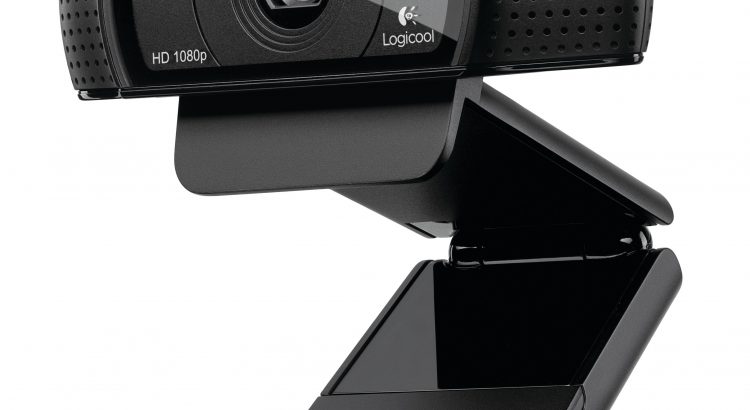
The webcam on your Robot will form one of the most important ‘active’ components of your system. We will still talk quite a bit about webcams – what type, positioning and important features. But I just wanted to catch you before you go off and buy a webcam. I few key functions (I have learnt) that your webcam need to have are:
- A function to switch off White Balancing. If the camera is all the time adjusting to light conditions, it wont present those perfectly repeatable video frames (consistent colours) that will allow the robot to learn. It slows down the learning process because the robot needs to learn their are many different Shades/Brightness/Gain/Saturation etc. versions of an object that all have the same meaning.
- Auto-focus – ditto!
- Auto-gain – ditto!
- Auto-lighting – ditto!
- Pretty much Auto-anything! as these clever functions attempt to ‘enhance‘ your image when using the webcam for what it was actually designed to do, but it can mess you around a lot if you want perfectly repeatable colours in your video frames. You really want to be able to switch off all these Auto-functions.
The cheapest webcam I could find online that has all of the above functions was the Logitech c920 and it comes with a nice little app on your laptop to play with White Balance, Gain, Saturation, Auto-focus, etc. – all of these can be adjusted. I have tested it and it works well!
Note: That is not to say that there are not possibly better and cheaper webcams available and you are welcome to report in the Robot Builders Forum if you have stumbled over such a webcam so we can alert other Labbers!
Thanks – and look out for more tips on setting up the webcam on your robot. Keep on Labbing! 🙂